- Mobile Proxies All proxies are mobile, clean, anonymous, and highly trustworthy.
- For software Mobile proxies can be used in any software; below you'll find the most popular ones.SMM and Automation
- For social media













Sign in
For shared proxy type, only automatic IP address change is possible. It occurs on a timer, it is not selectable (every 2-5 minutes).
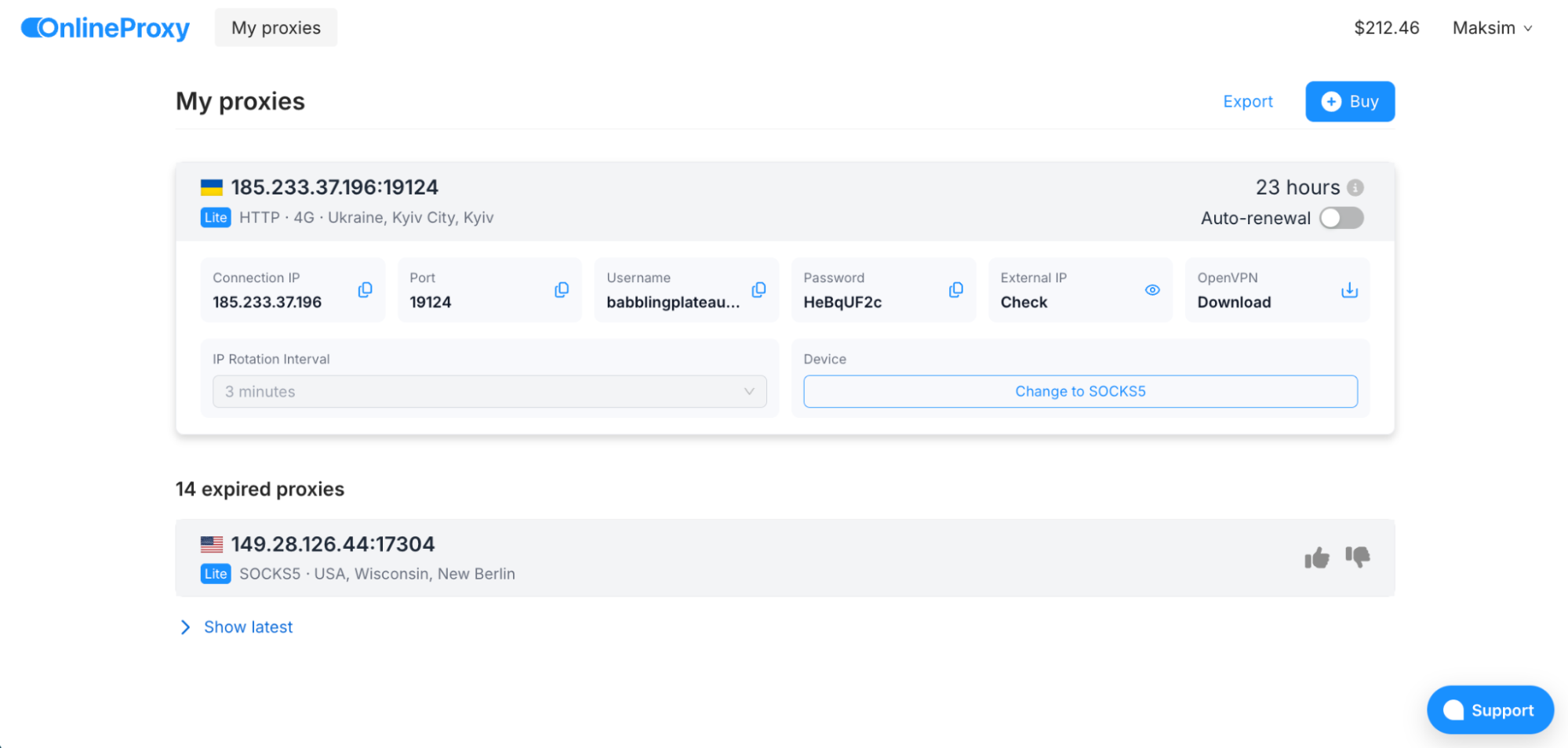
For private proxy type, flexible IP change settings are possible:
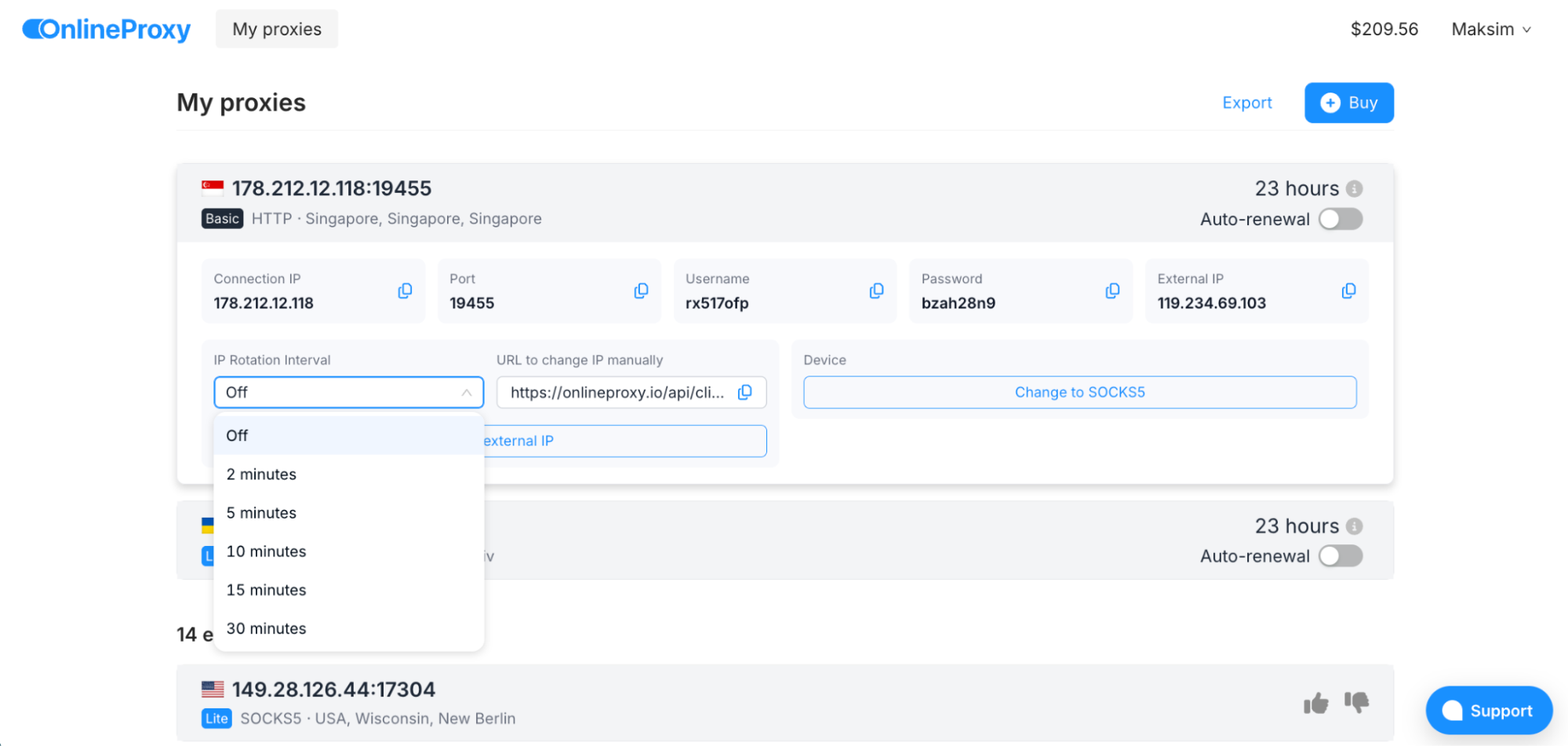
* CGNAT mobile network technology does not allow an IP to be retained on one device for a long time. The duration of sticky IP retention depends on many factors. It is unlikely that you will be able to set a static IP for a month.
When you purchase a mobile proxy for a device (USB modem or smartphone), the proxy is assigned to this device. This means that when you change your IP, you will use the same proxy server on the same device in the same location. To obtain a different IP address, the mobile device must reconnect to the mobile network. This means that changing the IP takes some time (1-5 seconds) and during this time you lose your internet connection.