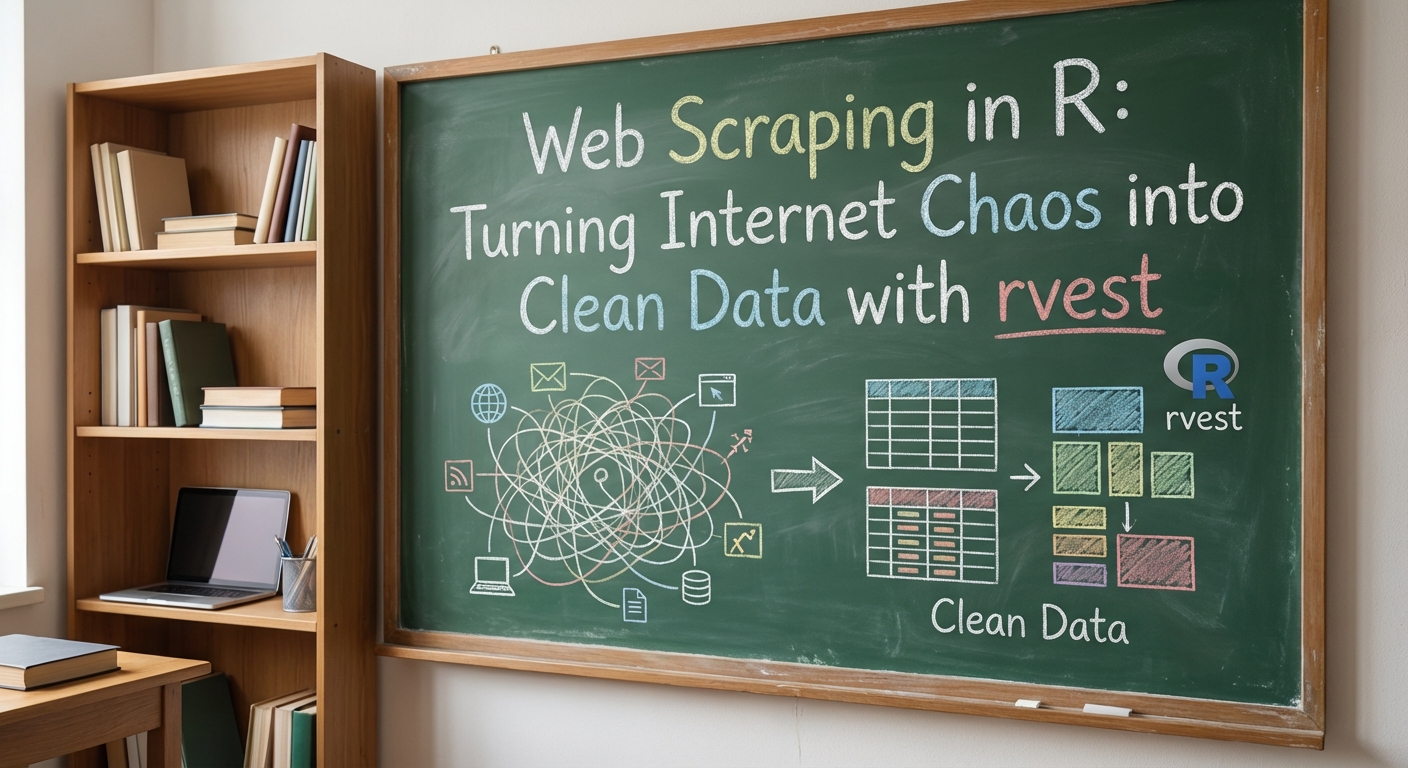
In data analytics, collecting information often takes more time than modeling itself. If you work within the R ecosystem, the rvest package is your primary tool for web scraping. It integrates seamlessly into the tidyverse pipeline, letting you elegantly convert raw HTML directly into tidy data frames (tibbles) ready for analysis with dplyr (rvest.tidyverse.org).
In this guide, we'll walk through the full analyst's journey: from basic page reading to cleaning messy tables, scraping multiple pages politely, and working with dynamic JavaScript content.
1. Scraper Hygiene: The Legal Minimum
Before writing any code, make sure your scraper isn't breaking the law. The R community follows several golden rules of ethical scraping:
- Respect
robots.txt: Check whether automated data collection is allowed on the target site. The polite package handles this automatically. - Be careful with PII (Personally Identifiable Information): Collecting email addresses, names, and geolocation data without consent violates GDPR. Fines can reach €20 million or 4% of a company's global annual turnover.
- Throttle your requests: Use delays (e.g.,
Sys.sleep()) or the polite package to avoid overloading the target server. - Terms of Service (ToS): Ignoring scraping prohibitions in a site's terms can lead to legal action (as in the well-known HiQ Labs v. LinkedIn case).
You'll need a core set of packages. Make sure they're installed:
# Install packages (if not already installed)# install.packages(c("tidyverse", "rvest", "polite"))library(tidyverse)library(rvest)library(polite)
The polite package is recommended by the rvest maintainers: it automatically checks robots.txt, respects crawl-delay directives, and identifies your bot with a user-agent string.
3. Anatomy of rvest: Core Functions
The scraping pipeline in R is built by chaining a sequence of key functions:
read_html() — Downloads a page and parses it into a DOM tree that R can work with.html_elements() — Finds all nodes matching your CSS selector or XPath expression.html_element() — Finds the first matching node within each element — essential when extracting one value per card/row.html_text2() — Extracts clean text from nodes, intelligently handling whitespace and line breaks.html_attr() — Extracts attribute values (e.g., links from href or metadata from data-* attributes).html_table() — Converts an HTML <table> directly into a tibble.
4. Practice: Parsing Data from HTML
Let's work through a classic task — extracting a list of Star Wars films from rvest's built-in example page.
library(rvest)library(dplyr)url <- "https://rvest.tidyverse.org/articles/starwars.html"page <- read_html(url)# Find all film sectionsfilms <- page %>% html_elements("section")# Extract data and package it into a tibblestarwars_tbl <- tibble( title = films %>% html_element("h2") %>% html_text2(), episode = films %>% html_element("h2") %>% html_attr("data-id") %>% readr::parse_integer())print(starwars_tbl)
Result: A clean data frame ready for further analysis — no extra cleanup needed.
5. Advanced Cleaning: Working with HTML Tables
Data on the web often lives inside <table> tags. The html_table() function handles automatic parsing beautifully, returning a tidy tibble. But real-world data is rarely perfect — columns contain mixed text and numbers, formatting artifacts, and other noise. Let's scrape a Wikipedia table where column values need cleaning. This is where rvest works in ideal synergy with dplyr and readr.
Tip: Unlike many modern sites (including IMDb, which now renders via React), Wikipedia serves static HTML, making it reliably scrapable with read_html(). Always check whether your target renders content via JavaScript before choosing your approach.
library(rvest)library(dplyr)library(readr)url <- "https://en.wikipedia.org/wiki/List_of_highest-grossing_films"page <- read_html(url)# 1. Extract the main tableraw_tbl <- page %>% html_element("table.wikitable.sortable") %>% html_table()# 2. Clean and transform columnsclean_tbl <- raw_tbl %>% mutate( # parse_number() strips "$", commas, and other non-numeric characters worldwide_gross = parse_number(`Worldwide gross`), year = parse_integer(Year) ) %>% select(Rank, Title, year, worldwide_gross) %>% arrange(desc(worldwide_gross))glimpse(clean_tbl)
In this example, we didn't just scrape a page — we performed data cleaning on the fly, converting messy text with dollar signs and commas into proper numeric types.
6. Scaling Up: Scraping Multiple Pages with polite
In practice, data is rarely confined to a single page. Here's how to iterate over multiple URLs responsibly using the polite package:
library(polite)library(purrr)library(rvest)# Introduce yourself to the site (checks robots.txt automatically)session <- bow("https://books.toscrape.com", user_agent = "R rvest tutorial bot")# Generate page URLspages <- paste0("catalogue/page-", 1:5, ".html")# Define a function to scrape a single pagescrape_page <- function(path) { page <- nod(session, path) %>% scrape() tibble( title = page %>% html_elements(".product_pod h3 a") %>% html_attr("title"), price = page %>% html_elements(".price_color") %>% html_text2() )}# Map over all pages and combine results into one data frameall_books <- map_dfr(pages, scrape_page)glimpse(all_books)
The bow() → nod() → scrape() pattern automatically respects robots.txt and rate limits — no manual Sys.sleep() required.
7. Handling Dynamic Sites (JavaScript)
The rvest package only works with static HTML. If a site uses JavaScript frameworks (React, Vue, Angular) or infinite scrolling, the raw HTML source will be empty. In Python, you'd reach for Playwright or Selenium. In R, the best solution since rvest 1.0+ is the built-in read_html_live() function, powered by the chromote package . read_html_live() launches a headless Google Chrome session, waits for all JavaScript to execute, and returns the fully rendered DOM. It uses more memory than read_html(), but handles any client-side renderer.
# Requires Google Chrome installed on your systempage <- read_html_live("https://example.com/spa-page")# You can even interact with the page — e.g., click a "Load More" buttonpage$click(".load-more-button")Sys.sleep(2) # Wait for content to load# Then work with the live DOM using familiar rvest functionsitems <- page %>% html_elements(".item") %>% html_text2()
Summary
Web scraping in R is a powerful analytical skill. By combining rvest selectors with tidyverse cleaning functions and the polite package for responsible scraping, you can automate dataset creation of any complexity (datanovia.com). Just remember: respect robots.txt, throttle your requests, and handle personal data with care.