- All proxies are mobile, clean, anonymous, and highly trustworthy.
- Mobile proxies can be used in any software; below you'll find the most popular ones.










How to Fix and Remove a TikTok Shadow Ban
- Yinhao Lee
- 12 minutes
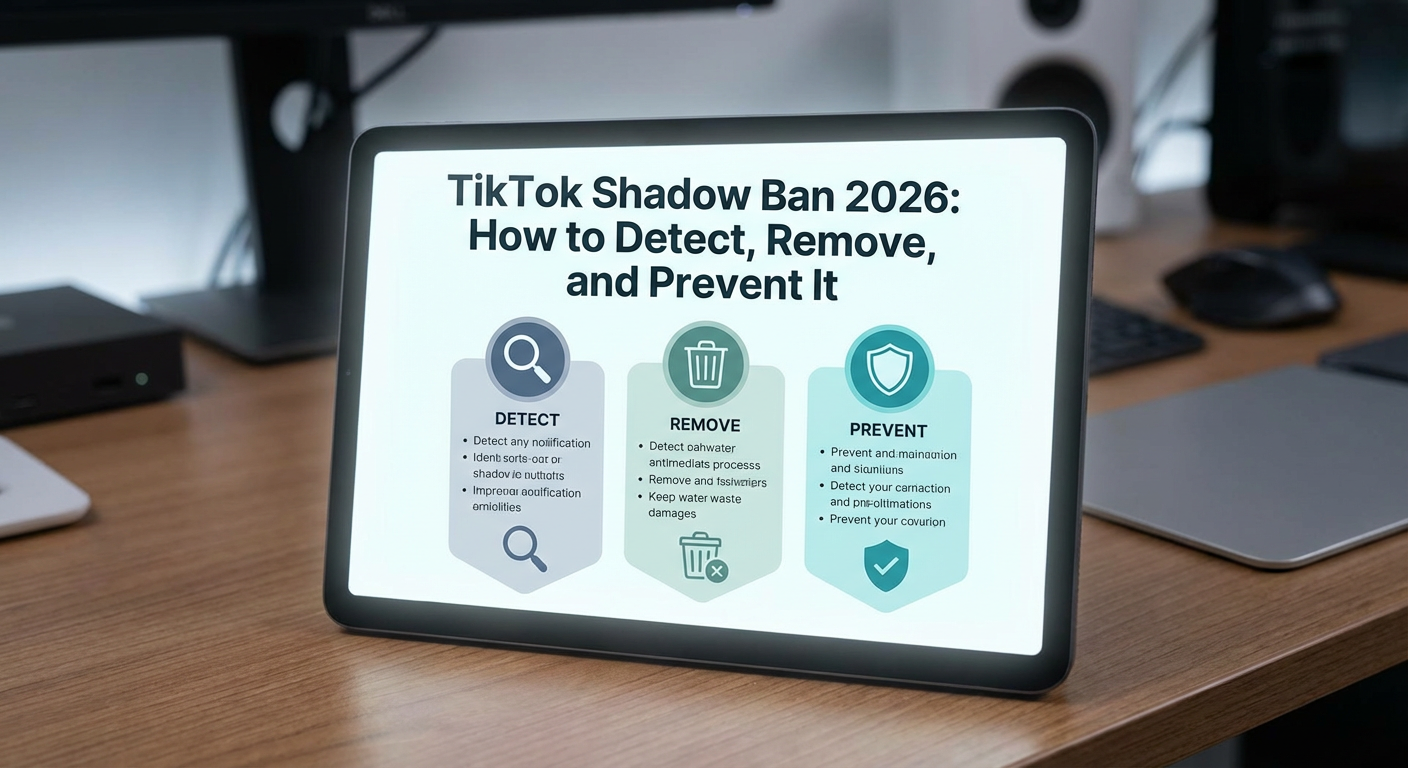
Quick Answer: How to Fix a TikTok Shadow Ban
How to fix a TikTok shadow ban: confirm the drop, remove the trigger, pause risky activity, and resume steady posting. Reduced reach is usually temporary. There is no setting that instantly clears it. If videos fall from 5,000 views to 200 overnight, do not panic.
First, confirm the drop is real, not a normal dip, using TikTok analytics. Next, find the trigger, such as content that conflicts with TikTok's community guidelines, and set it to private. Then pause risky activity. Finally, return to steady, original posting aimed at the For You page. To get rid of the problem, avoid deleting many videos. TikTok does not officially use the term shadow ban, so this guidance relies on creator reports and TikTok's published rules.
What a TikTok Shadow Ban Is (and Isn't)
A TikTok shadow ban is an unannounced limit on who sees your videos. Your uploads can remain on your profile, yet disappear from the For You page, hashtag results and search.
It differs from an official ban. In that case, login is blocked and a banner explains the action. With hidden limiting, you can still post, follow and comment normally.
Does TikTok actually shadow ban users? The company has never officially confirmed that practice. Its community guidelines instead say certain material may be reduced in distribution or made ineligible for the For You feed. The same wording covers uploads that are not distinct enough.
For example, if one creator sees an account-banned notice at login, that is explicit. If another publishes normally but gets zero For You traffic and no message, the pattern points to silent reach loss. Research estimates 3.2%–21% of creators believe they have been affected. Still, many drops are ordinary: weak retention, seasonal viewing, reused content or an algorithm test. If the pattern persists, treat it as a suspected shadow ban, not a confirmed penalty.
Signs You've Been Shadow Banned on TikTok
Look for a pattern across several posts, not one weak upload. If multiple videos fall from hundreds of views to single digits, a shadow ban is possible. Open profile > menu > Creator tools or TikTok analytics. TikTok renames menus, but traffic source types are the key signal. Normally, most views come from the For You page. For example, if For You traffic falls from about 70% to near zero over seven days while followers still watch, distribution may be limited.
Symptom | How to check |
|---|---|
Views and engagement fall sharply across several uploads. | Compare recent totals with older totals in TikTok analytics. |
For You traffic is near zero. | Open video analytics and review traffic source types. |
Videos do not appear under hashtags or in search. | Search the exact caption or unique hashtag from another account. |
Followers say they miss new posts. | Ask a follower to check Following or Friends feed. |
Uploads stay on Processing or Under review. | Check the upload screen and notifications for a review notice. |
A second account on the same device gets the same poor reach. | Compare a fresh upload from another account on that device. |
Recent videos get views mainly from your profile. | Look for profile traffic dominating in video analytics. |
How to Confirm It's Really a Shadow Ban Before You Fix Anything
Low views alone do not prove a TikTok shadow ban. Reach can fall from weak content, seasonal attention shifts, or audience changes. Demoted content usually gets no notice, the 2026 Remove or Reduce study found. Check TikTok analytics for repeated low For You page traffic across several uploads before changing anything. That evidence separates normal dips from a real limit.
Manual Tests You Can Run Yourself
Use these tests to check if you're shadow banned.
- Compare your analytics for the last 7 and 60 days. A sudden For You page drop across many posts matters more than one weak video.
- Publish a public video with a unique hashtag, such as #zx7blueotter2026. Ask three friends on different phones to search for it. If none can find it, visibility may be limited.
- Ask a follower whether the video appears in their For You page or Friends tab.
- Check whether uploads stay stuck in Processing or Under review.
- Switch between Wi-Fi and mobile data, or test the TikTok web version, to rule out a local glitch.
One failed test is not proof. Repeat the checks before assuming a restriction.
Why to Skip Third-Party Shadow Ban Checkers
A shadow ban checker cannot see TikTok’s internal distribution flags. The platform does not offer an official test. Third-party tools often lack real-time data, and their accuracy varies. For example, if a site asks for your password to run a free scan, it can steal the account.
- Use video analytics to compare traffic sources over time.
- Open account status or content violations notices in the app.
- Review engagement trends across several recent posts.
- Rely on the manual tests above before changing anything.
Common Causes of a TikTok Shadow Ban to Rule Out
The reasons for a TikTok shadow ban usually fall into three groups: content that violates community guidelines, spam-like engagement, and mass deletion or repeated reports. Because the platform’s algorithm uses automated moderation, reach can drop by mistake. A sudden decline does not automatically prove you broke the rules.
Content That Breaks the Guidelines
TikTok limits distribution when material comes close to violating its community guidelines. Adult or 18+ content is the clearest case. If a video receives that flag, only viewers who opted into mature material can see it. For You reach collapses. Violence, illegal activity, bullying, hate speech and dangerous acts trigger similar restrictions. Copyright problems matter too, especially unlicensed songs or reused clips. If a cooking video uses a pop track outside TikTok’s licensed music library, the audio can be muted and distribution can drop. Use the official catalog instead to reduce the risk of a shadow ban.
Spam, Bots and Inauthentic Engagement
TikTok shadow ban risk rises when activity looks automated. Follow-for-follow loops, mass following, bots, engagement apps or pods, bought likes or views, and repeated hashtags create unnatural spikes. This inauthentic engagement produces patterns no person can match, such as adding hundreds of accounts in seconds. For example, if a new shop follows 300 profiles in an hour and comments on every viral clip, views can fall within days. Continuing the behavior after a drop can prolong the restriction. Stop the tactic. Then return to steady, genuine activity.
Mass Deleting, Frequent Reports and Moderation Errors
Deleting many videos after one bad week can make the account look erratic. This can deepen a shadow ban instead of ending it. Normal cleanup is safe, but mass deletion sends confusing signals. Hide only clips that clearly break rules, and leave the rest alone.
Repeated user reports also trigger reviews, even when nothing is wrong. TikTok’s automated moderation can false-flag suggestive language, flashing lights, or sensitive topics. Some creators receive no notice. If a post disappears, appeal through the app rather than deleting more content.
How to Remove a TikTok Shadow Ban: Step by Step
There is no guaranteed answer to how to remove a TikTok shadow ban, but a structured recovery plan helps. Work in order: refresh the app, audit recent posts against community guidelines, pause risky activity, resume steady posting, then appeal if reach stays low. Each step rules out a likely cause.
Step 1: Update the App and Clear the Cache
Before assuming a shadow ban, rule out the TikTok app itself. Update it through your app store. Then open Profile > Menu > Settings and privacy > Free up space > Clear cache.
A stale cache can make views or analytics look wrong. Restart the app and check whether numbers return. If not, reinstall as a last local test. This can fix display bugs, but it will not remove a real distribution restriction. For example, zeros after an update may be a display bug.
Step 2: Audit Your Content and Remove What Breaks the Rules
Audit the last few weeks of uploads against TikTok's community guidelines. Look for copyrighted music, reused clips, adult or hateful material, dangerous acts, spammy captions and prohibited hashtags. Remove or set to private only the videos that clearly break the rules. Do not mass-delete the rest.
If one video from three weeks ago used unlicensed music, make it one of your private videos and leave the other 60 untouched. Record what changed, what you replaced, and when. That gives you a clean trigger to test later. You can then judge whether the shadow ban was directly tied to that specific upload.
Step 3: Pause Risky Activity for a Few Days
Stop all account activity for at least two days: no posting, mass following, liking, or commenting. This gives the TikTok algorithm time to stop associating the profile with automated or spammy patterns. A minor shadow ban often lifts by itself during this quiet period. If reach fell because of a guideline violation, the pause alone will not help. Remove that trigger first, then test one ordinary post.
Step 4: Resume With Steady, Original Posting
After the pause, return to consistent posting with original content that fits your niche. Use licensed or trending audio, keep captions clean, and choose three relevant hashtags instead of stuffing ten. Reply to early comments genuinely, because authentic engagement and audience retention help TikTok see the account as healthy.
Do not bulk-post to recover lost views. For example, publish one original video a day for a week, then watch whether the For You traffic share recovers. If you keep a backup account, use it only to search for a previously hidden video. Never use it to dodge a shadow ban, since TikTok prohibits evading restrictions.
Step 5: Check Notices and Contact TikTok Support
Check TikTok notifications, your inbox, and the account status or content violations area for any warning. If a video is flagged, use the notice to file an appeal with a short factual explanation.
If the drop lasts for days without any policy message, contact TikTok support through Settings and Privacy → Report a problem. If it persists beyond two weeks, submit a formal appeal through the in-app support center. Ask them to remove the restriction if they confirm an error. Replies may not confirm a shadow ban, so track the inbox.
If You Run a Business or TikTok Shop Account
For a TikTok Shop account, a shadow ban can affect revenue and campaign performance, not just views. Reduced reach can hide product tags, lower Shop tab visibility, weaken affiliate creators’ results, and cut live shopping attendance.
- Contact TikTok for Business support through live chat or email. Ask whether any restriction or policy notice applies.
- Check TikTok Business Center for account status, ad health, and policy notifications before changing campaigns.
- Audit recent videos, captions, hashtags, posting pace, and commercial audio. Remove only clear violations, then return to steady posting.
How Long Does a TikTok Shadow Ban Last?
TikTok publishes no official shadow ban timelines, so answers are anecdotal. Creator reports suggest short limits often end quickly, but recurring issues can stretch much longer.
- Short cases: about 3–14 days, with moderate user-reported ones running 7–10.
- Serious or recurring restrictions: several weeks or more, especially after spam-like behavior or multiple community guidelines breaches.
Published ranges vary from 24 hours to a month. The duration depends on the cause and whether you remove it. Fix the trigger sooner, and recovery is more likely.
What Not to Do When You're Shadow Banned
When reach collapses, panic fixes make the account look worse. If you suspect a shadow ban, avoid these moves:
- Mass deletion or privatizing videos. Creators do this to clean the feed, but bulk removal looks erratic and can discard healthy signals.
- Account switching on the same device. Jumping to another profile can trigger the same device or network flags, and evading limits violates TikTok rules.
- Buying likes or using engagement pods. Purchased or coordinated activity creates fake patterns, so the system may classify the account as inauthentic.
- Growth apps, spam posting or bulk following. These tools promise recovery, yet rapid follows and comments look automated and can deepen limits.
- Re-uploading the same video. If a clip was flagged, reposting it spreads the same risk instead of fixing the cause.
For example, if a creator reposts a flagged clip five times and buys engagement, one issue can become a spam pattern. Deleting and reinstalling the app changes nothing. Stay patient, remove only clear violations and return to steady posting.
Device, IP and Multi-Account Issues That Can Keep Reach Low
TikTok may treat a device or IP address as risky. A new account on flagged hardware or a shared network can inherit low reach. Do not open another profile to dodge a restriction. Evading an existing device ban or account limit violates TikTok rules. In legitimate multi-account management, a major risk is association. If several client profiles use the same browser profile, phone, or datacenter IP address, their activity can look coordinated. Keep one stable login environment per account. Avoid rapid network changes, shared or low-quality IPs, and device changes. Use a separate anti-detect browser environment for each one. For example, a manager may run six client accounts from one office Wi-Fi. Separating them lowers the risk one flag affects all six. OnlineProxy mobile proxies use real 4G/5G carrier IP addresses through modems and SIM routers, so traffic looks like ordinary carrier traffic. Authentication is username and password only. HTTP or SOCKS5 works with an anti-detect browser or a tool supporting SOCKS5 authentication. A proxy cannot remove a shadow ban caused by violations, and can only keep compliant profiles on separate connections. Agencies can review mobile proxies for TikTok accounts.
How to Prevent a TikTok Shadow Ban
To avoid a shadow ban, follow TikTok's community guidelines every time you post. Remove clear violations first, because repeated violations can lead to longer restrictions or a permanent ban. If a video is borderline, make it private rather than testing distribution.
Publish original content that holds attention. Use licensed audio, clear visuals, and captions that fit your niche. Keep automation away from likes, follows, comments, and uploads. Skip bought engagement and engagement pods. Around 1–3 quality TikTok videos per day is enough for a steady account. Quality matters more than volume.
Use hashtags narrowly because three to five relevant tags help classification. Recycled tag stacks look spammy. Do not reuse the same caption. Reply to real comments and track audience retention more than raw views. Before posting, check licensed audio, relevant tags, original captions, and no engagement bait. This usually catches most triggers from the causes section.
TikTok Shadow Ban FAQ
Does TikTok actually shadow ban accounts?
No. TikTok does not officially use the term. It can still limit distribution by marking videos ineligible for the For You feed when they violate or appear to violate policies.
Why do my TikTok videos suddenly get zero views?
Sudden zero views can have several causes. They include review delays, technical glitches, violation flags, real distribution restrictions, or normal dips. Check analytics and run the confirmation tests above before assuming a shadow ban.
Should I delete my videos to remove a shadow ban?
No. Avoid mass deletion of recent uploads. Set private videos only when they clearly violate rules. Removing many items at once can signal erratic or inauthentic behavior, adding negative signals and delaying recovery.
Will a new TikTok account get rid of the shadow ban?
Not reliably. A new account may inherit the shadow ban through a device ban or IP address flag. TikTok prohibits creating accounts to avoid restrictions, so fix the original account.
How can I avoid getting shadow banned on TikTok again?
Follow TikTok community guidelines, post original content with licensed audio, and avoid bots, bought engagement, spammy hashtags, and sudden mass actions. Keep posting steady, then carefully review each upload before publishing again.